
How to Prepare Your Phone for Resale or Exchange Safely
Back up your Android phone or iPhone, remove account locks, protect banking data and securely erase your device before selling or exchanging it.
Quick Answer
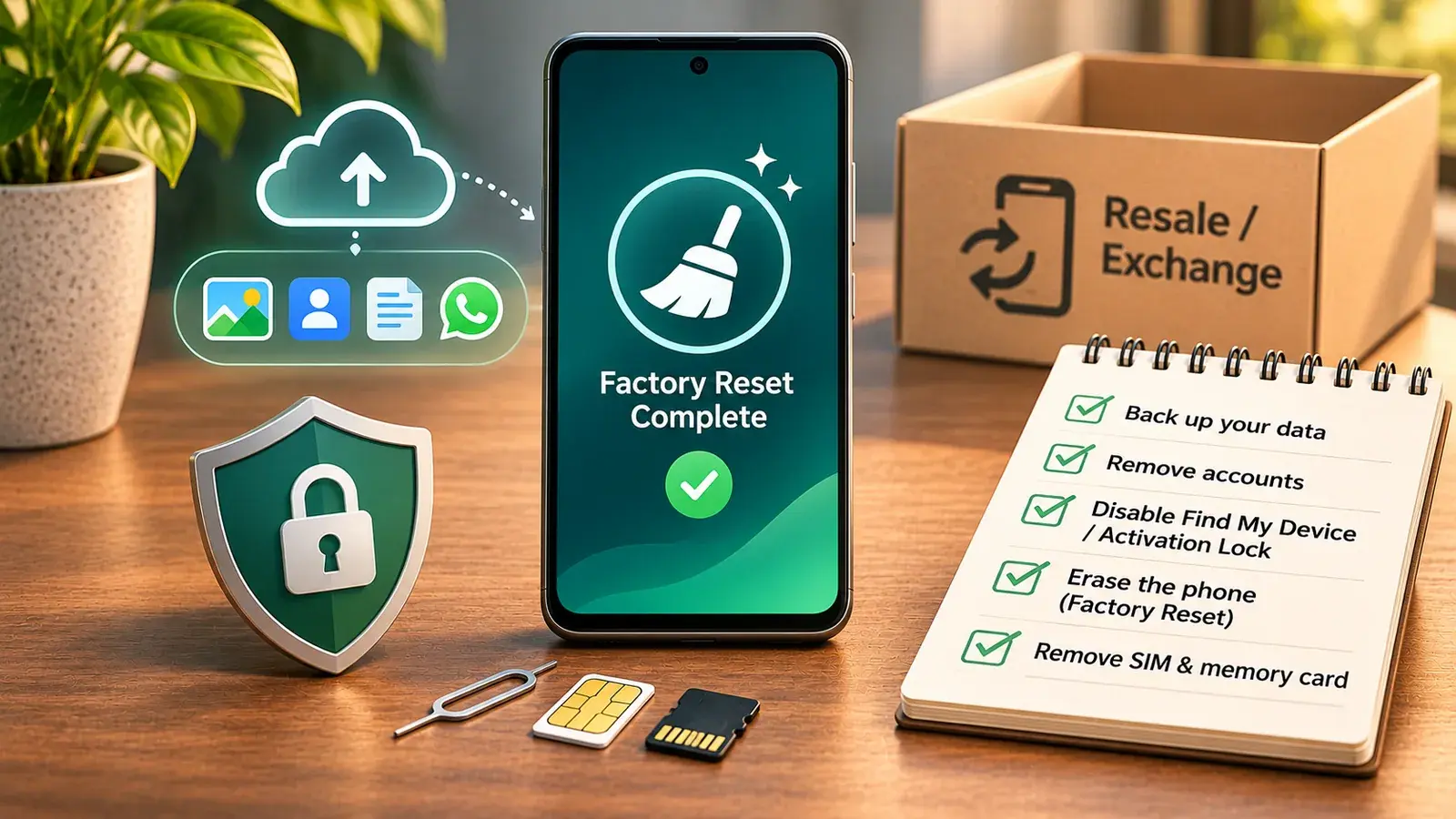
Before selling or exchanging your smartphone, back up and verify your data, transfer your accounts and mobile number, remove device locks linked to your accounts, and perform a factory reset. Remove your SIM and memory card, then confirm that the phone displays its initial setup screen.
| Do this | Why it matters |
|---|---|
| Back up and verify | Avoid losing photos, chats and documents |
| Move banking and authentication apps | Prevent account lockouts and payment problems |
| Remove linked accounts | Avoid blocking the next owner's setup |
| Erase all device data | Protect your personal information |
| Keep proof of sale | Document the handover |
Do not rely on deleting photos, uninstalling apps or clearing your browsing history alone.
1. Back up everything you need
Before removing accounts or resetting the phone:
- Back up contacts, photos, videos, messages and documents to your new phone, computer or cloud storage.
- Check Downloads, private folders, offline notes and files stored inside individual apps.
- Transfer WhatsApp chats using its supported migration or backup process.
- Move authenticator codes and device-specific passkeys. Save recovery codes securely and confirm that you can sign in on another device.
Open important files and chats on the new device or verify the backup from another device. A backup that has not been checked may be incomplete.
Do not manually delete synced photos or contacts: deleting them while cloud sync is active can also remove your online copies. Erasing the old device through its official reset option is different.
2. Protect banking apps, UPI and your mobile number
For Indian users, this step deserves particular attention.
| Service | What to check before resetting |
|---|---|
| Banking and UPI apps | Confirm access on the new phone; deregister the old device if your bank or app offers this option. |
| UPI Lite | Follow your app’s device-change instructions. If disabling UPI Lite to return the balance, confirm the credit in your bank account before erasing the phone. |
| Wallets and payment cards | Follow the provider's device removal or balance transfer instructions. |
| SIM and eSIM | Transfer your number and verify calls and SMS on the new phone. Remove the physical SIM and erase the old eSIM profile. |
You generally do not need to close your bank account or permanently delete your UPI ID just to change phones. Never share your banking PIN, OTP or account password with a buyer or pickup agent.
3. How to erase an Android phone
Menu names vary by manufacturer. Complete your backup first.
- In Settings, open the accounts section and remove all Google accounts from the old phone. Sign out of Samsung, Xiaomi or other manufacturer accounts as applicable, following their official instructions for device locks.
- Remove the physical SIM and microSD card. Back up anything stored on the card first.
- On many Android phones, open Settings → System → Reset options → Erase all data (factory reset). On Samsung Galaxy phones, use Settings → General management → Reset → Factory data reset.
- Confirm the erase using your own credentials. Choose to erase downloaded SIMs/eSIMs if prompted and your number has already been transferred.
- Wait for the restart and initial welcome screen. Do not sign back into your accounts.
Removing Google accounts helps prevent Factory Reset Protection (FRP) from requiring the previous owner's credentials during setup. Use the normal Settings reset rather than a recovery-menu reset for a working phone.
4. How to erase an iPhone
- Unpair an Apple Watch if it is connected to the old iPhone.
- Sign out of your Apple Account in Settings → your name → Sign Out. Follow the prompts to remove Find My and Activation Lock.
- If switching to Android, deregister iMessage when applicable.
- Open Settings → General → Transfer or Reset iPhone → Erase All Content and Settings. Complete the prompts and erase the old eSIM profile if applicable.
- Remove the physical SIM, if present, and leave the phone at the Hello screen. Check that it is no longer linked to Find My and remove it from your trusted-device list if still listed.
Reset All Settings is not the same as Erase All Content and Settings. Only the latter is appropriate for resale.
5. Is a factory reset enough?
For ordinary resale, the official factory reset on a functioning, modern encrypted phone is generally the appropriate method. Android devices launched with Android 10 or later must use file-based encryption. Apple's device erase process makes the old user data inaccessible by removing encryption keys.
Avoid unnecessary third-party wiping apps. For an older unencrypted phone, a modified device or one that cannot complete a reset, do not assume your information is protected. Keep it until an authorized service provider can advise on safe erasure or responsible recycling. An external memory card needs separate handling; retaining it is simplest.
6. Before handing over the phone
Some Indian exchange programs require a working phone for inspection. Samsung India's exchange terms are one example. Check the seller's instructions before resetting; consider deferred pickup if you need time to verify your data transfer. If inspection must happen first, stay with the device, enter credentials yourself and erase it before handing it over. Decline the exchange if you cannot complete a safe wipe.
- Record the IMEI and device condition privately; keep the invoice or pickup receipt.
- Confirm the agreed price and verify payment through your own bank or payment app.
- Check for the welcome screen, removed SIM/memory card and cleared account locks.
Never hand over an unlocked phone containing personal data.
Official sources and useful links
- Apple: Prepare an iPhone for sale or trade-in
- Apple: Secure device erasure
- Apple: Deregister iMessage
- Google: Reset your old Android device
- Google: Android device protection
- Samsung India: Factory reset instructions
- Samsung India: Removing personal information and SD cards
- Android Open Source Project: File-based encryption
- Google Pay India: UPI Lite
- Samsung India: Exchange terms
Complete the appropriate transfer first. See moving to a new Android phone or switching platforms.