How to Buy a Used or Refurbished Smartphone Without Getting Scammed
Buying a used or refurbished phone in India? Check its IMEI, account locks, battery, repairs, warranty and payment safety before you pay.
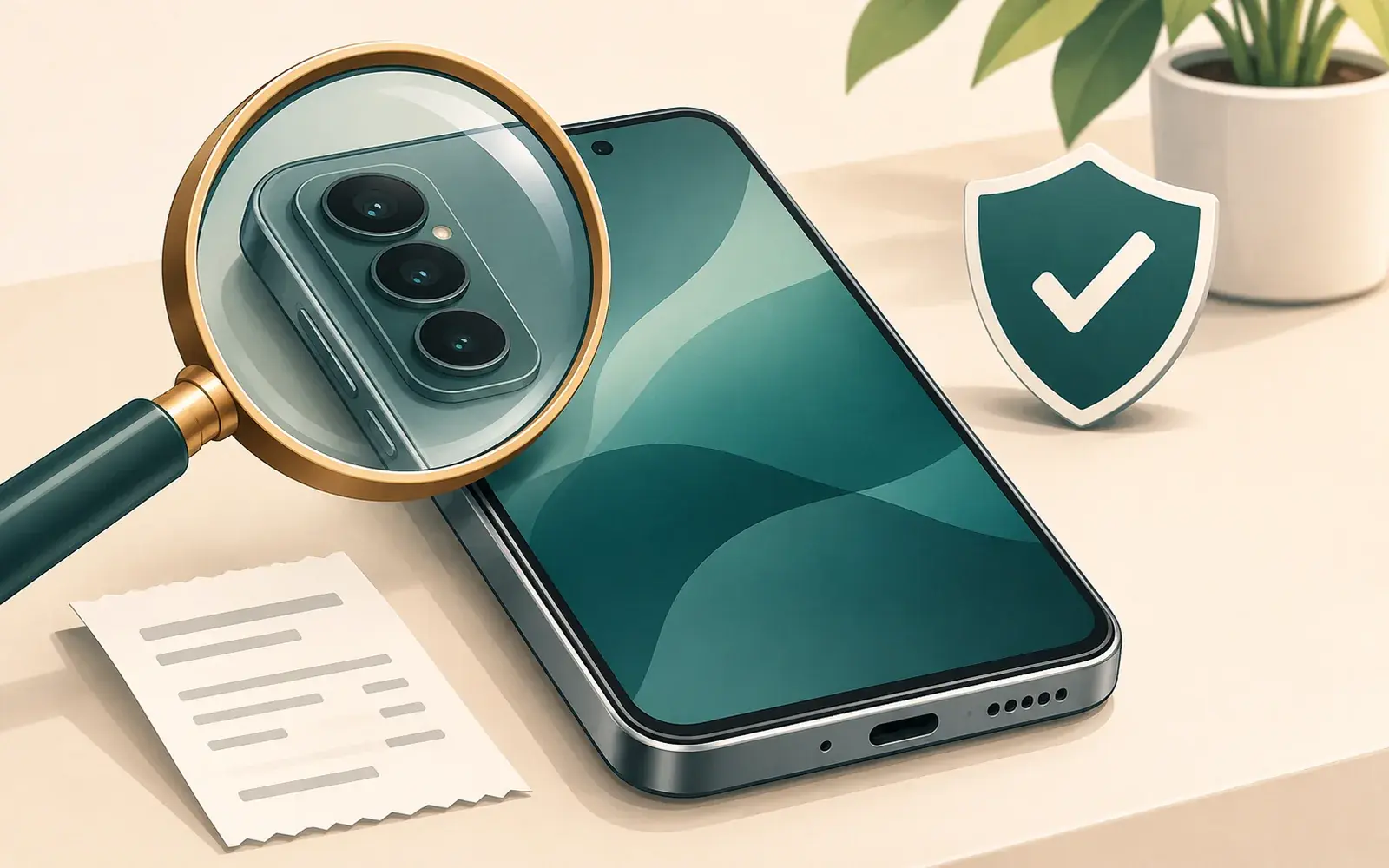
A second-hand smartphone can be excellent value. It can also be a costly mistake: the device may look perfect but turn out to be reported lost, locked to somebody else's account, fitted with a failing battery or sold with a warranty that barely covers anything.
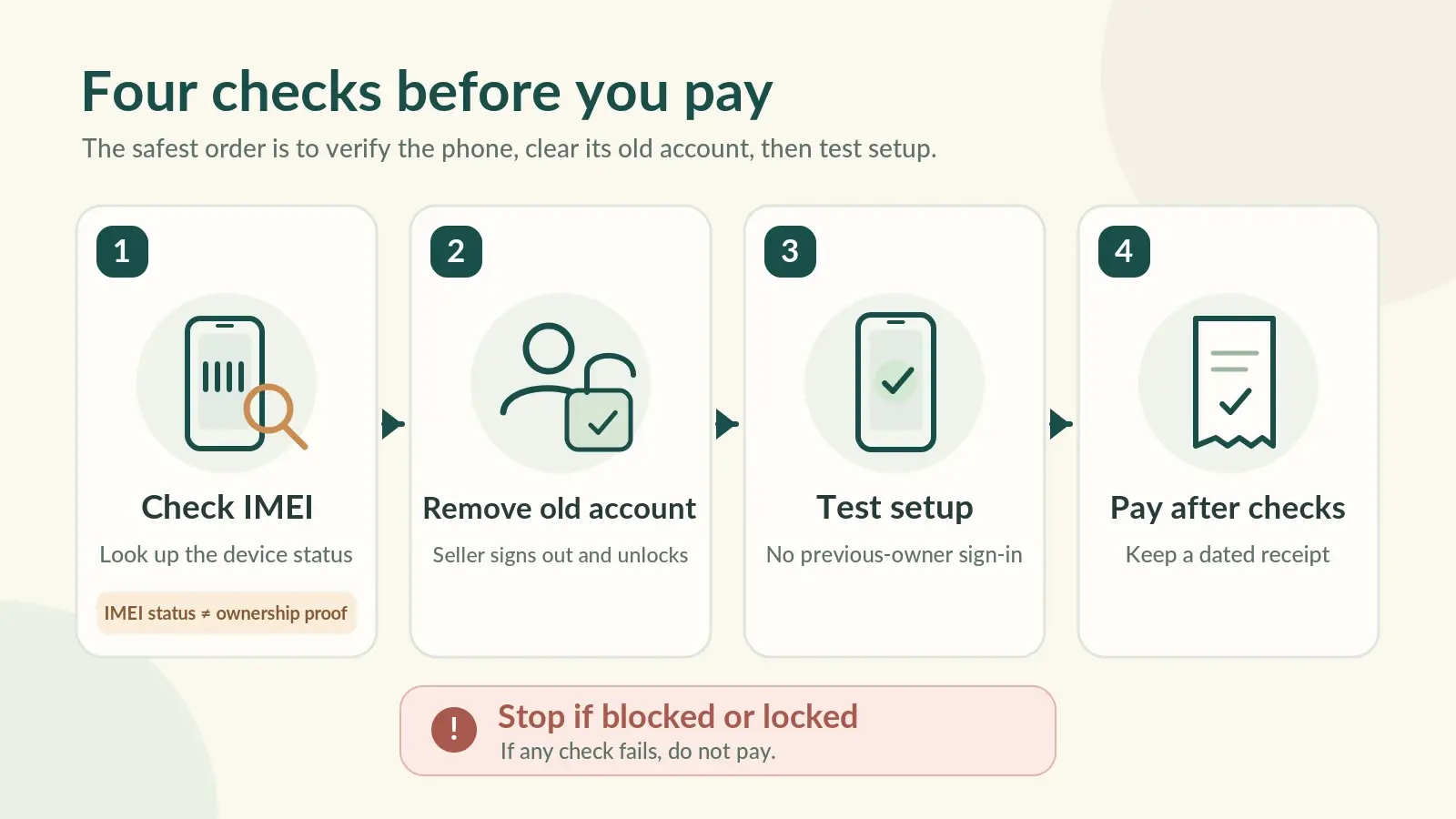
The safest approach is to treat the purchase as three separate checks. First, establish that the phone is legitimate and can be activated by you. Next, test its actual condition. Finally, make sure the price, seller and written terms justify the remaining risk. A clean-looking screen does not replace any of these steps.
This guide focuses on buying used and refurbished smartphones in India, including private sales and online refurbishers. You do not need specialist tools for most checks, but you do need to inspect the actual phone rather than relying on a listing's photographs or a generic inspection certificate.
Used, refurbished and renewed are not the same promise
A used phone is simply a phone that had a previous owner. It may be sold without any repair, testing or meaningful warranty. A refurbished phone has supposedly been inspected and, where necessary, repaired or restored for resale. Renewed is another sales label; its practical meaning depends on the seller or programme.
Neither the word refurbished nor a cosmetic grade such as excellent guarantees a new battery, original display, genuine components or manufacturer warranty. Ask exactly what was tested, what was replaced, who performed the work and who will handle a defect. Apple's own pre-owned iPhone guidance advises checking the seller's certification process and return policy, not merely trusting the label.
A private seller may offer a lower price and an opportunity to inspect the phone face-to-face. A reputable refurbished retailer may offer an invoice, return window and service support. Either can be a sensible choice if you verify the details.
Before meeting the seller, check the listing and the price
Confirm the exact model variant, storage, colour, age, purchase region and included accessories. The same phone name may cover different storage capacities or regional configurations. An imported variant may have limitations affecting network compatibility, warranty service or physical SIM support in India.
Ask for clear photographs of the actual device, including the screen when powered on, edges, camera area and charging port. Request an honest description of previous repairs, drops and exposure to liquid. If the seller has the original invoice, ask whether its device identifiers match the phone; an invoice is useful supporting evidence but is not, by itself, proof of lawful ownership.
Compare the asking price with a currently available new alternative and several comparable used listings. A dramatic discount is a reason for extra verification, not a reason to rush. Avoid sellers who refuse basic questions, insist on immediate advance payment or will only communicate away from the marketplace.
Check the IMEI with India's Sanchar Saathi service
The International Mobile Equipment Identity, or IMEI, identifies a cellular device. Before buying, obtain it from the phone itself—usually through *#06# or the device's About settings—and compare it with any box and invoice. Dual-SIM phones can have more than one IMEI, so check all applicable identifiers. An eSIM's EID is a different identifier; do not confuse it with the IMEI.
India's Department of Telecommunications provides a Know Your Mobile (KYM) facility through Sanchar Saathi. Its guidance says not to buy a device whose IMEI is shown as blacklisted, duplicate or already in use. The service can also help you compare the reported make and model with the handset offered to you. Use the official portal or its stated SMS method (KYM <15-digit IMEI> to 14422), subject to current service availability. See the DoT IMEI guidance.
Do this while you can still walk away. A missing, inconsistent or suspicious IMEI is a serious warning. If the identifiers or reported device details do not agree, do not accept a vague explanation about a 'software issue'.
A clear IMEI result is not a certificate of ownership or a full theft-history guarantee. Records can change, and verification cannot establish the condition of the battery, display or internal parts. Combine it with seller documentation, account-lock checks and a transaction record.
Make the seller remove account locks before paying
A working phone can become unusable after a reset if it remains linked to the previous owner's account. This is one of the most consequential checks because a normal hardware inspection may not reveal it.
Used iPhone: verify Activation Lock is gone
Apple's Activation Lock protects an iPhone linked to the previous owner's Apple Account. If the screen says “iPhone Locked to Owner”, or setup requests that owner's credentials, do not buy it. The seller needs to remove the device properly from their account; an assurance that they will do it later is not enough.
Have the seller back up their data and erase the phone correctly. Then connect it to Wi-Fi and progress through setup far enough to confirm that it is no longer asking for the previous owner's details. Merely seeing the “Hello” screen, without testing activation, does not prove that every restriction has been cleared. Also be alert for organisational Remote Management enrolment during setup; a company-managed device should not be sold as an unrestricted personal phone without legitimate release.
Used Android: check Factory Reset Protection
Android's device protection, often called Factory Reset Protection (FRP), can require a previously synced Google Account after an unauthorised reset. The seller should remove their accounts using the device's normal settings and reset it properly. You should then test first-time setup on a network connection to ensure that no previous owner's credentials are demanded.
Some Android brands also have their own account or enterprise-management restrictions. Check those as well. Do not pay for promises of a later 'unlock', and avoid third-party bypass services: they do not establish legitimate ownership.
Do a 15-minute hands-on hardware inspection
Meet in a safe place with light, power and network access. Remove the protective case so you can see the actual frame. Bring a working SIM if appropriate, a charging cable and, ideally, a second device for a test call.
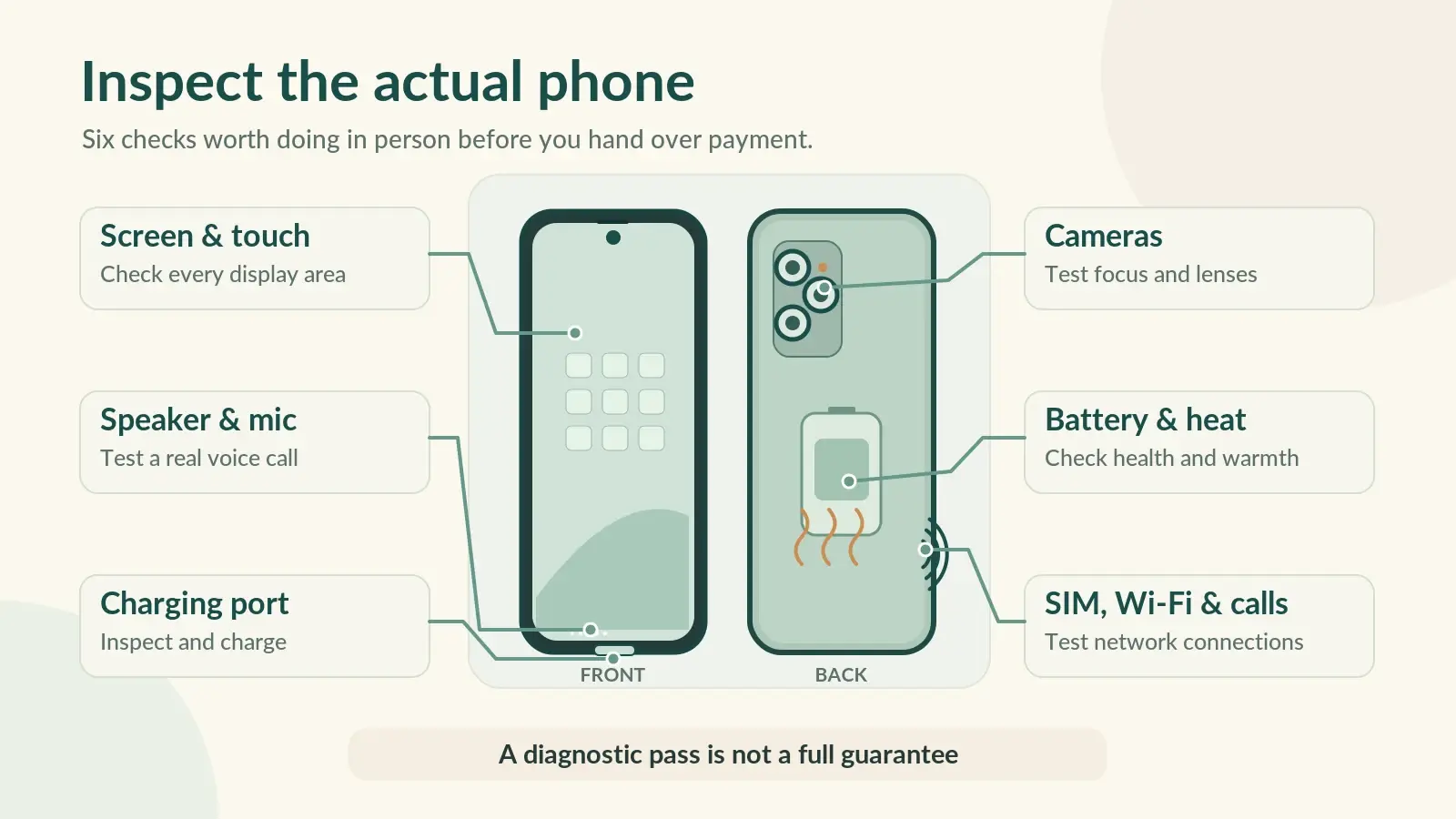
- Body and signs of repair: Look for bending, unusually wide panel gaps, lifted back glass, damaged screws, corrosion near openings and cracks around the camera. These are clues, not conclusive diagnoses.
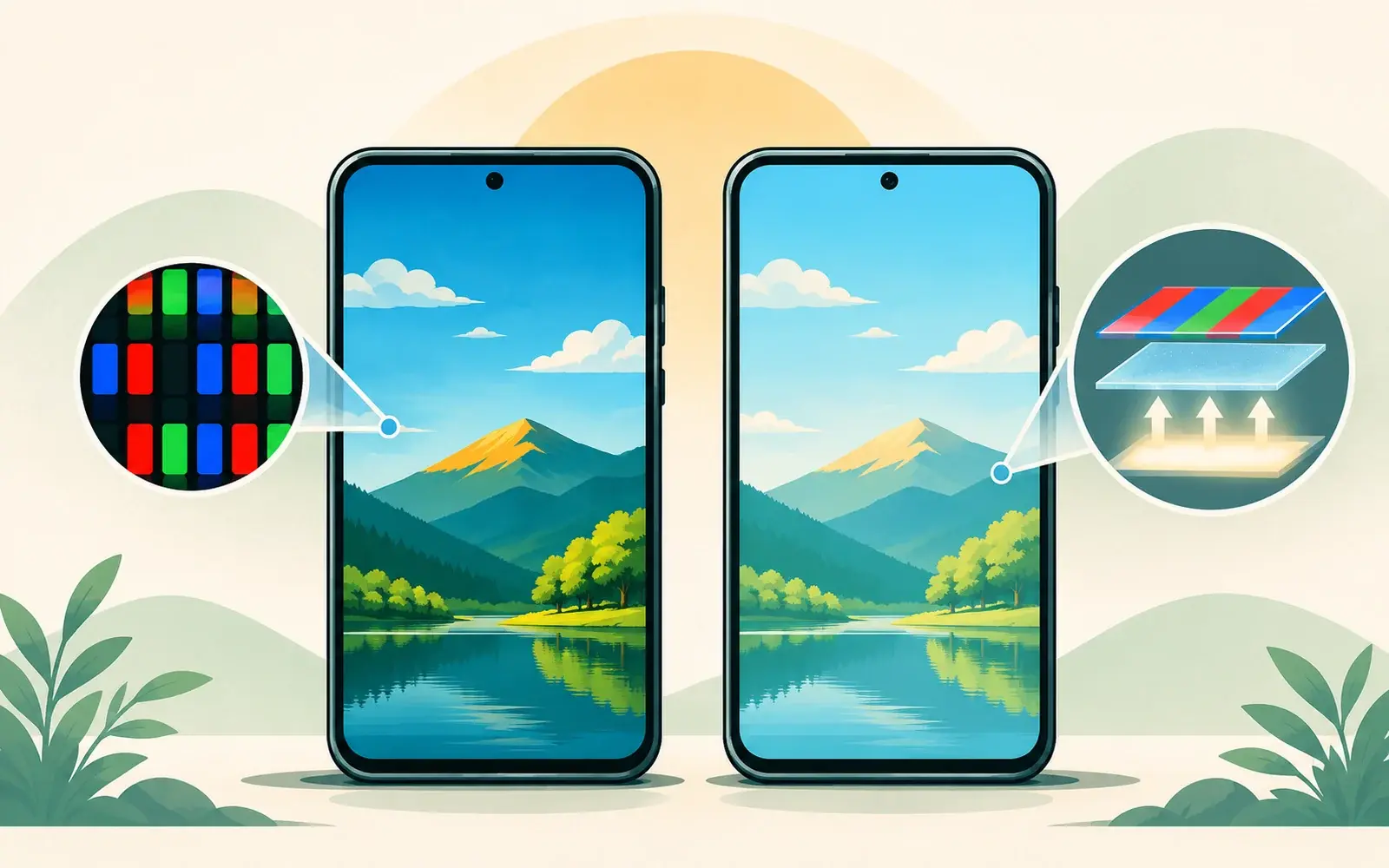
- Display and touch: Check a white screen for discolouration, a dark screen for obvious glow or patches, and a plain background for OLED burn-in. Move a finger across every edge and type on the keyboard to find dead touch areas.
- Cameras: Test every available lens, focus at near and distant objects, record video and inspect the resulting files. A camera that opens is not necessarily one that focuses correctly.
- Audio and controls: Make a call if possible; check earpiece, loudspeaker, microphone, vibration, volume and power buttons. Try fingerprint or face authentication where supported.
- Connectivity: Check Wi-Fi, Bluetooth, mobile signal and data with a compatible SIM. Confirm that the claimed SIM or eSIM configuration fits your needs. Test GPS/navigation if time allows.
- Charging and power: Connect a charger, gently check for a loose port, and watch for unexpected restarts or pronounced heat during ordinary use. A phone that cannot hold a stable charge needs further investigation.
Built-in diagnostics can supplement this inspection. On many Galaxy phones, Samsung Members diagnostics can test components including the touch screen and battery. However, a diagnostic 'pass' is not a complete laboratory inspection or a guarantee against intermittent faults.
Battery condition, repair history and remaining software life
All rechargeable batteries wear with use. On supported iPhones, look in Settings → Battery for battery health information; the exact wording varies by model and iOS version. A low maximum-capacity estimate is a negotiation or replacement-cost issue, not proof of fraud. On some Android models, built-in battery-health data is available, but there is no universal Android battery-percentage screen. Samsung offers device diagnostics; Google's Pixel battery guidance describes model-specific battery-health and cycle-count availability.
Ask whether the battery, screen, camera, charging assembly or motherboard has been replaced. For supported iPhones running an appropriate iOS version, Settings → General → About → Parts and Service History may report certain repairs. Understand its categories: a replaced part is not automatically bad, and labels such as Unknown require investigation rather than a simplistic 'fake phone' conclusion. Apple explains the possible statuses.
Treat water resistance cautiously. A phone that was repaired or dropped may no longer seal like a new phone; even Apple notes that resistance can diminish with wear. Never 'test' a used phone by immersing it in water.
Finally, check the manufacturer's current software and security-update policy for the exact model. A cheap flagship approaching the end of security support can be a worse long-term purchase than a newer mid-range phone.
Demand written terms, not just a reassuring warranty badge
Before ordering a refurbished phone, establish in writing:
- Who provides the warranty: the manufacturer, marketplace, refurbisher or another repair partner.
- What is covered: motherboard, display, battery, charging, connectivity and failures that appear shortly after delivery.
- What is excluded: cosmetic issues, liquid damage, wear, particular replacement parts or faults attributed to misuse.
- How returns work: the inspection period, return eligibility, shipping costs, refund route and who pays for diagnostics.
Request an invoice or sale receipt identifying the seller, date, exact model, price, condition and IMEI where practicable. Keep the original listing and written statements about battery health, defects or replaced parts. An original manufacturer invoice and a new seller receipt serve different purposes; retain both when available.
A seller warranty is not automatically a manufacturer warranty. Likewise, there is no single universal 'refurbished-phone warranty' covering every Indian retailer or private sale. Online purchases from businesses and private person-to-person transactions may involve different contractual terms and remedies. Verify the actual policy before paying rather than assuming that a seven-day or one-year promise applies.
Pay only after the important checks pass
For in-person transactions, inspect the phone, confirm account access is clear, record the agreed condition and then make payment. Use a traceable payment method where possible, verify the recipient and retain the transaction reference. A normal UPI payment to a verified seller may involve scanning their payment QR code and authorising your outgoing payment; you never need to enter a UPI PIN merely to receive money or a refund.
Avoid advance 'booking' fees, courier charges and QR-code tricks from strangers. OLX's India safety advice specifically warns against paying before verification and trusting payment screenshots. Do not share OTPs, UPI PINs or banking credentials.
For online refurbished orders, use the marketplace's genuine checkout and preserve the product page, grade definition and return policy. If practical, record an uninterrupted unboxing showing the package label, seal condition and device, then inspect it immediately within the return window. A video supports your account of delivery; it does not replace other evidence or guarantee a successful dispute.
Is the discount actually worth the risk?
Consider the total cost, not just the sticker price. For example, suppose a used phone costs ₹18,000, while a suitable new phone with warranty costs ₹22,000. That looks like a ₹4,000 saving. If the used battery soon needs a ₹3,000 replacement, the effective saving falls to ₹1,000—before considering lost time or an unexpected screen repair. These numbers are illustrative, not current quotes.
Used or refurbished can make sense when the model remains well supported, the battery and display check out, the seller offers credible documentation and the discount is meaningful. A new phone may be better when the price gap is small, reliability matters for daily banking or work, or the used device comes with uncertain repairs and no workable return option.
If a seller misleads you or money is stolen
Preserve the listing, chats, invoice, serial/IMEI details, photographs, payment records and the seller's warranty statements. Report problems promptly through the marketplace or seller's written grievance process. For a consumer dispute with a business, India's National Consumer Helpline provides a complaint route, including helpline 1915; outcomes depend on the circumstances and applicable law.
If the transaction appears to be cyber-enabled financial fraud, immediately contact your bank/payment provider and report it through cybercrime.gov.in or helpline 1930. Reporting quickly is important; it does not guarantee recovery. Suspected stolen property or an altered IMEI may also warrant a police complaint.
The final check before you say yes
A good second-hand purchase passes all four tests: the identity is plausible, the account locks are gone, the hardware works, and the seller's terms are documented. If any one of those is missing, pause or walk away. A low price cannot compensate for a phone you cannot activate—or a dispute you cannot prove.
Sources and Further Reading
- Department of Telecommunications — IMEI Check and Know Your Mobile
- Sanchar Saathi — Government of India
- Apple — If you want to buy a pre-owned iPhone
- Apple — Activation Lock for iPhone and iPad
- Apple — iPhone Parts and Service History
- Google — Android device protection and reset verification
- Samsung India — Samsung Members diagnostics
- Google — Understand your Pixel battery
- OLX India — Advance-payment fraud safety advice
- Department of Consumer Affairs — National Consumer Helpline
- Government of India — National Cyber Crime Reporting Portal