
Office and Productivity Software
Computer Awareness lessons on word processing, spreadsheets, Excel formulas, presentations, Office file extensions, shortcuts and printing, with 84 explained practice MCQs.
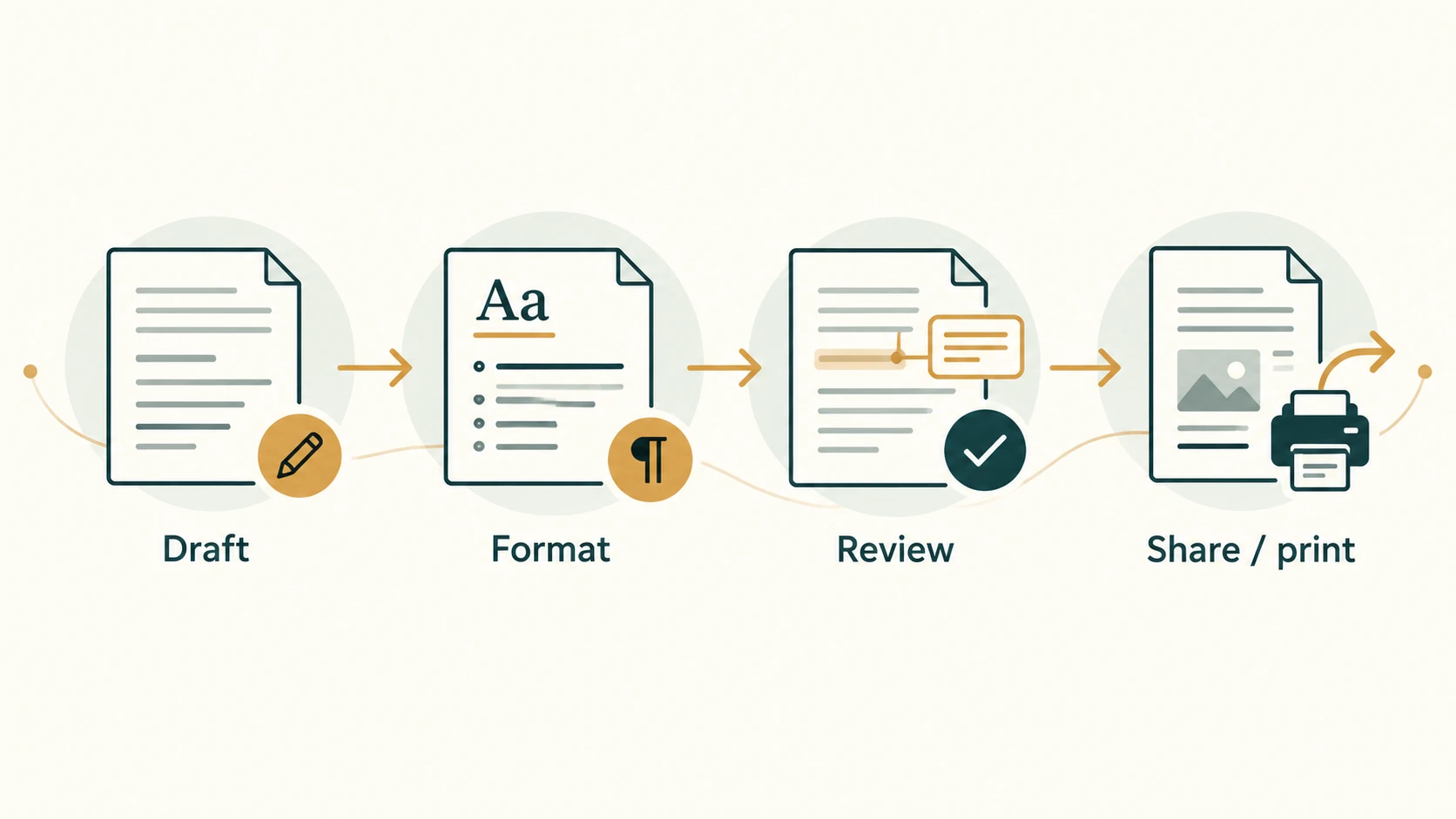
Track: Computer Awareness for Banking and Recruitment Exams
Level: Beginner
Scope: Seven lessons, CA-05-01 through CA-05-07
Practice: 84 original multiple-choice questions, with answers and explanations
Word processors, spreadsheets and presentation programs help people create, organise, calculate and communicate. Bank employees may prepare notices, check tabular reports, calculate figures or present information at a meeting. Recruitment examinations frequently test the names of these tools, their basic operations, common file extensions and standard keyboard shortcuts.
This module uses Microsoft Word, Excel and PowerPoint as familiar examples. The underlying ideas also apply to other office applications such as LibreOffice and online editors, although their exact menus and shortcuts can differ. There is no single universal official Computer Awareness chapter syllabus shared by all bank examinations; the material is a practical, exam-oriented learning map.
Study method: Learn what an operation does before memorising where its command appears. For spreadsheets, practise the small examples on paper or in a workbook. Attempt each lesson's 12 original MCQs before reading the explanations. These are exam-style practice questions, not unverified previous-year questions.
Module learning outcomes
After this module, you should be able to:
- Identify the purpose and essential tools of a word processor, including styles, document layout, review tools and mail merge.
- Understand a workbook, worksheet, row, column, cell, range and basic spreadsheet operations.
- Calculate simple Excel formulas and distinguish relative, absolute and mixed cell references.
- Explain slides, layouts, themes, transitions, animations and presentation modes.
- Recognise frequently examined office-file extensions and their important limitations.
- Use common Windows-oriented keyboard shortcuts while recognising application and platform differences.
- Distinguish editing, saving, exporting, printing, print preview and page-setup settings.
Chapters
Word Processing Concepts and MS Word Basics
Word Processing Concepts and MS Word Basics. Foundational Computer Awareness explanations, examples and explained practice questions for banking and recruitment exam preparation.
Spreadsheet Concepts and MS Excel Basics
Spreadsheet Concepts and MS Excel Basics. Foundational Computer Awareness explanations, examples and explained practice questions for banking and recruitment exam preparation.
Excel Formulas, Functions and Cell References
Excel Formulas, Functions and Cell References. Foundational Computer Awareness explanations, examples and explained practice questions for banking and recruitment exam preparation.
Presentation Software and PowerPoint Basics
Presentation Software and PowerPoint Basics. Foundational Computer Awareness explanations, examples and explained practice questions for banking and recruitment exam preparation.
Common Office File Extensions
Common Office File Extensions. Foundational Computer Awareness explanations, examples and explained practice questions for banking and recruitment exam preparation.
Common Keyboard Shortcuts
Common Keyboard Shortcuts. Foundational Computer Awareness explanations, examples and explained practice questions for banking and recruitment exam preparation.
Printing, Page Setup and Basic Document Operations
Printing, Page Setup and Basic Document Operations. Foundational Computer Awareness explanations, examples and explained practice questions for banking and recruitment exam preparation.